
Tailor your resume to the role.
Scan the listing, pick which suggestions to keep, add a note if you want, then generate.
Rewriting bullets for every application takes time. Borderless Roles starts from your resume and the job on the tab, then suggests what to emphasize for that company.
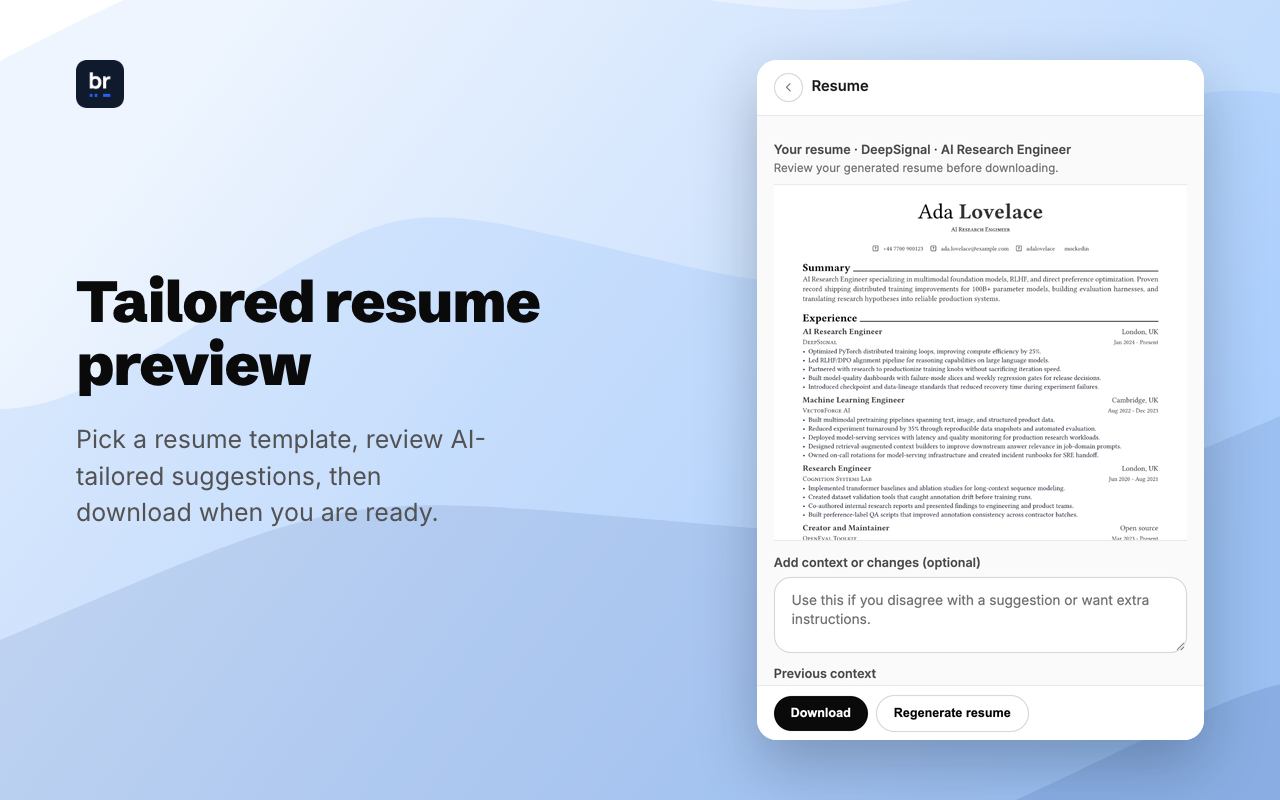
Uncheck anything that does not belong, add extra context if you have it, pick a professional template, and generate. Download the file or copy highlights yourself.
Scan, choose, generate.
- 01
Scan the listing
The job description drives which skills and projects get suggested.
- 02
Pick what to include
Suggestions show up as checkboxes. Uncheck anything you do not want emphasized, and add a note if you have extra context.
- 03
Generate and download
Preview the tailored resume, pick a template, then download the file or copy highlights yourself.
A tailored CV in half the time.
Generate a resume from your profile and the listing in front of you. Choose from multiple professional templates, then download the file or copy highlights into the form.
Start free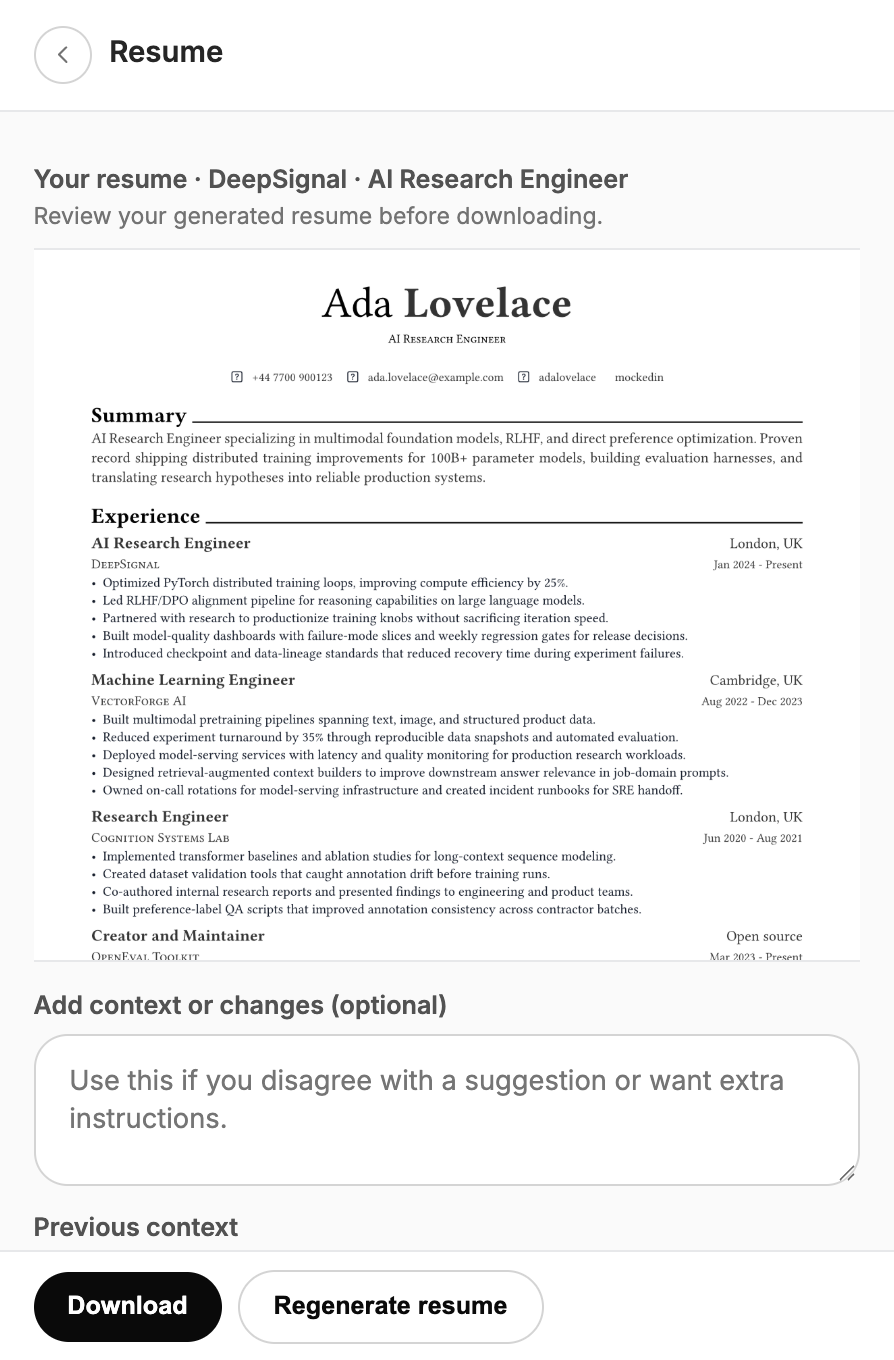
Keep exploring.
Have another question?
If something here is unclear, write us. We use Borderless Roles on our own applications, so we can usually answer from the product.
Other ways to connect
You can also reach us through the following channels. We aim to respond within 24 hours.